Connect via CLI
Once you have created a SurrealDB Cloud Instance, you can connect to it via CLI. The SurrealDB CLI lets you interact with your SurrealDB Cloud Instance from the command line.
Prerequisites
Before connecting to your SurrealDB Cloud Instance using the CLI, you need to install the SurrealDB CLI.
Connect to your SurrealDB Cloud Instance
Once it is installed, you can connect to your SurrealDB Cloud Instance using the surreal sql command. This command connects to your SurrealDB Cloud Instance using the specified endpoint and token.
surreal sql --endpoint <endpoint> --ns <namespace> --db <database> --token <token>
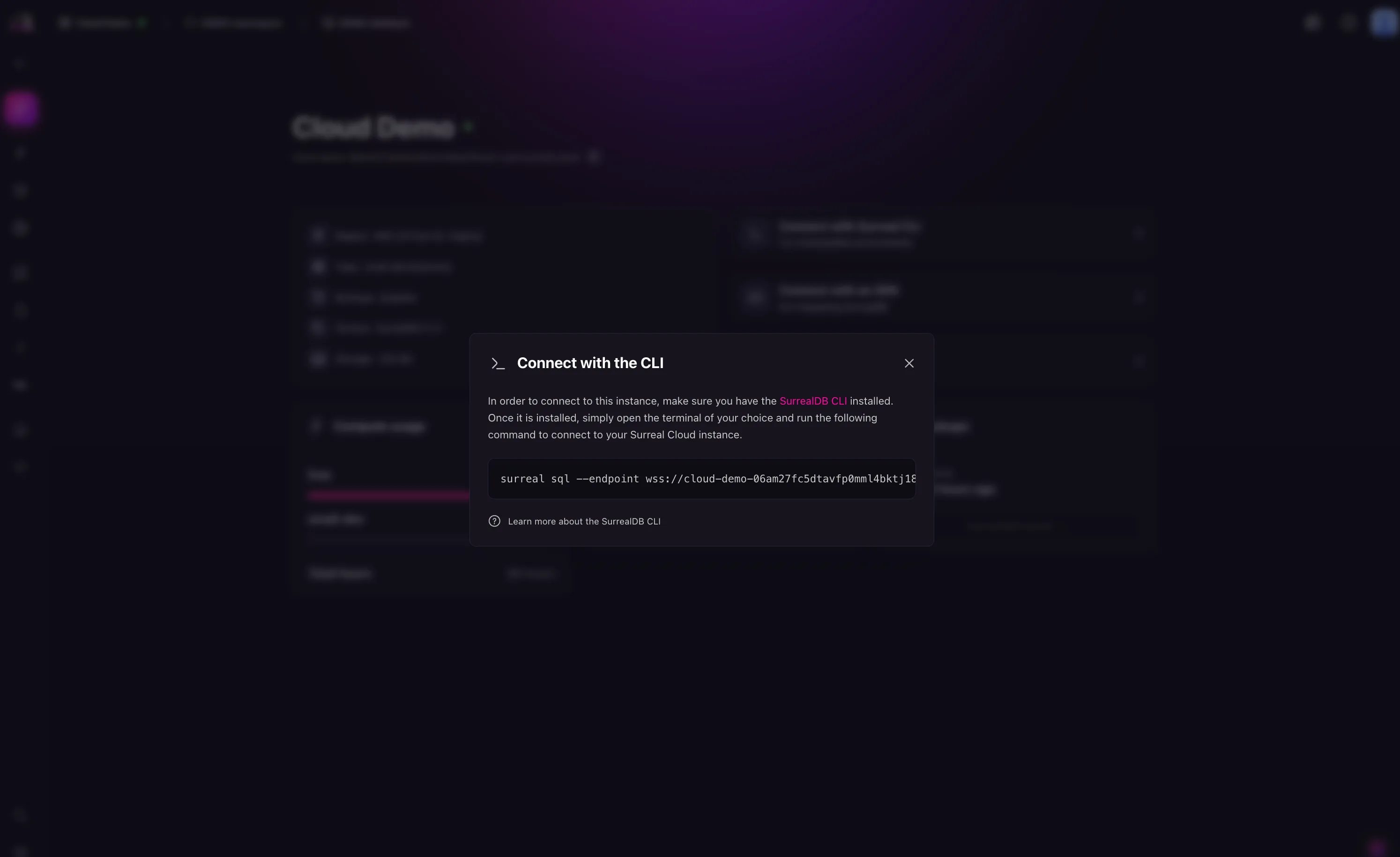
The token is a JSON Web Token (JWT) that is used to authenticate your connection to the SurrealDB Cloud Instance. You can find the token in the Instance details page in the SurrealDB Cloud console.
Next steps
Learn more about the SurrealDB CLI in the SurrealDB documentation.